
Theme Selection: Psychological Customization and Visual Resonance
1. Overview: An Environment Where Your Brain Feels Most Comfortable
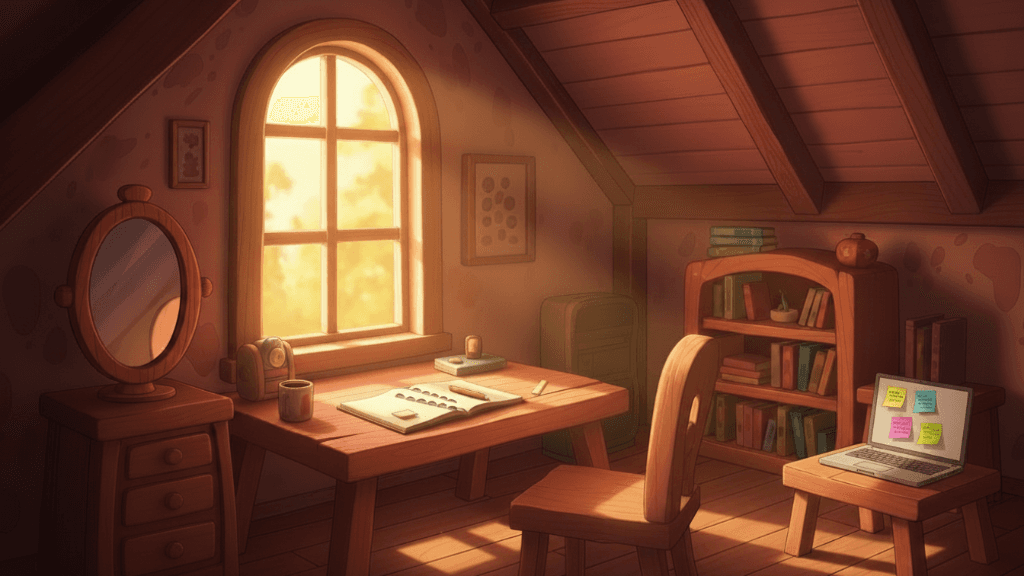
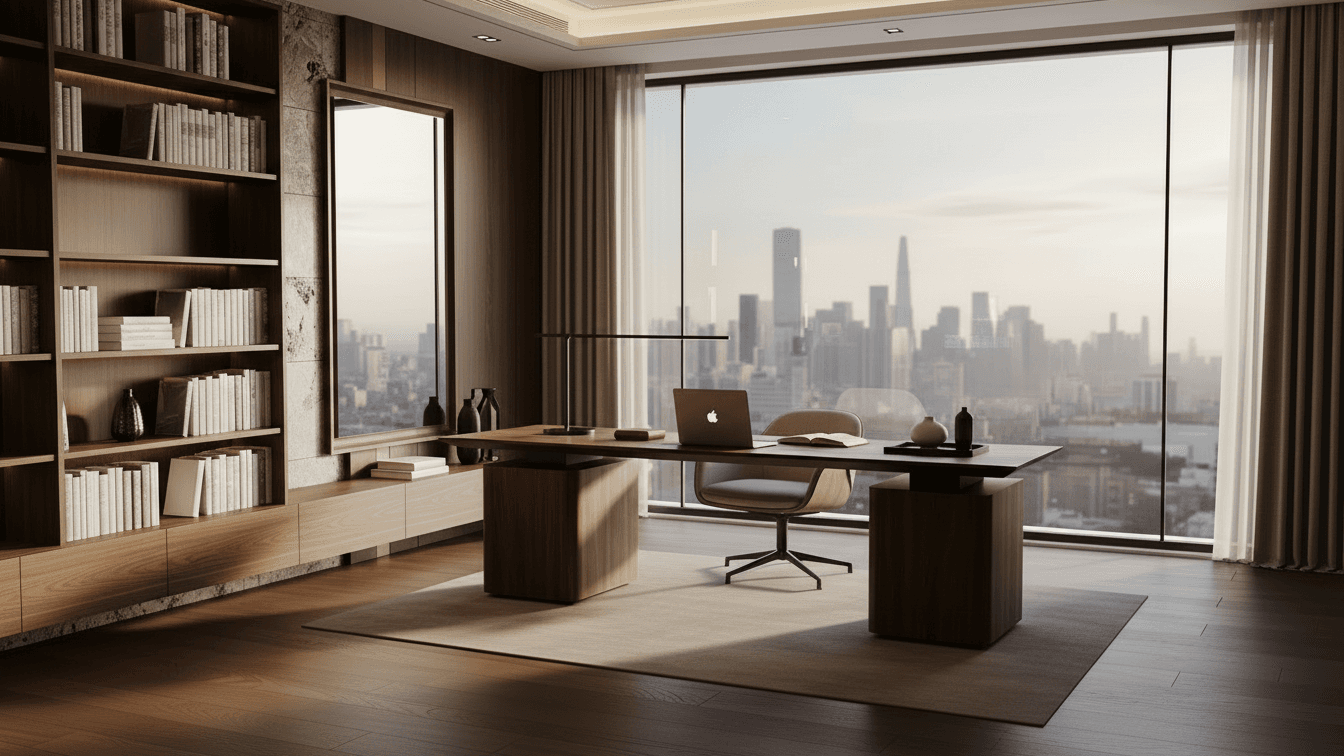
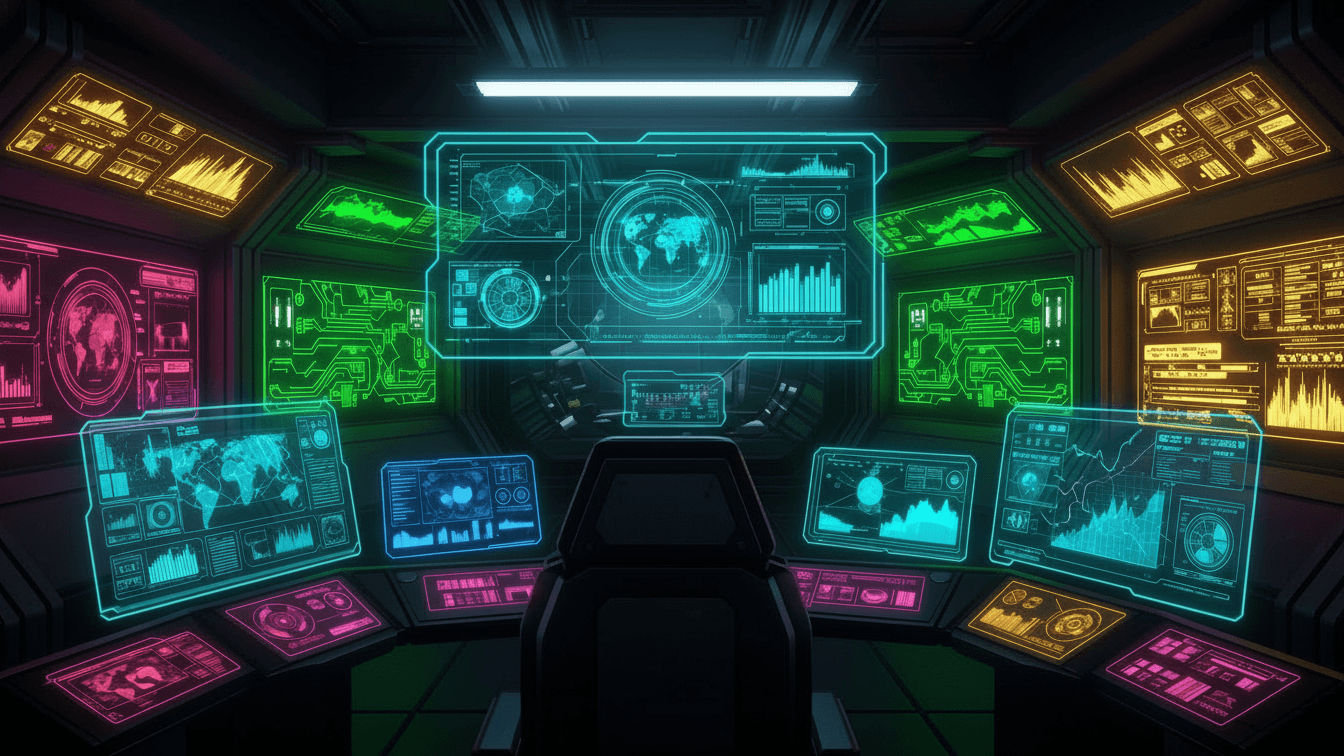
The [Theme Selection] page in the ACE system represents more than just a design change. it is a space for configuring a visual environment that minimizes cognitive load and maximizes focus. Here, you can select the theme that best aligns with your aesthetic preferences and psychological state, enhancing the efficiency of your synchronization with the system.
2. Visual Resonance: The Impact of Color and Light on the Brain
Color has a direct influence on human emotions and hormonal systems. Cool blue tones assist in calm analytical thinking, while warmer tones stimulate creative thought. Theme selection is the first sensory preparation step to induce the "optimal brainwave state" necessary to achieve your goals.
3. Your Own Tactical Base: Personalization of Digital Space
Just as an efficient commander organizes their desk, they also organize their digital operational environment. The various themes of ACE are not mere skins but virtual cores reflecting your identity. By adjusting color contrasts and UI brightness, you can significantly reduce visual fatigue during long missions.
4. The Art of Immersion: Completing the User Experience
Switching themes determines the overall mood of the system. As the journey starting from the intro passes through the Bridge to each tactical area, a consistent theme ensures cognitive continuity. Interaction with Kiki also unfolds more vividly against your chosen theme, providing the satisfaction of seeing your choice reflected instantly throughout the system.
5. Conclusion: Victory in a Space That Is Most "You"
The powerful performance comes from a state of comfort. Set your own visual coordinates on the Theme Selection page. This theme, reflecting your values, will be the backdrop for all future operations and the color of the legacy you build.